
By TALI ARBEL
AP Technology Writer
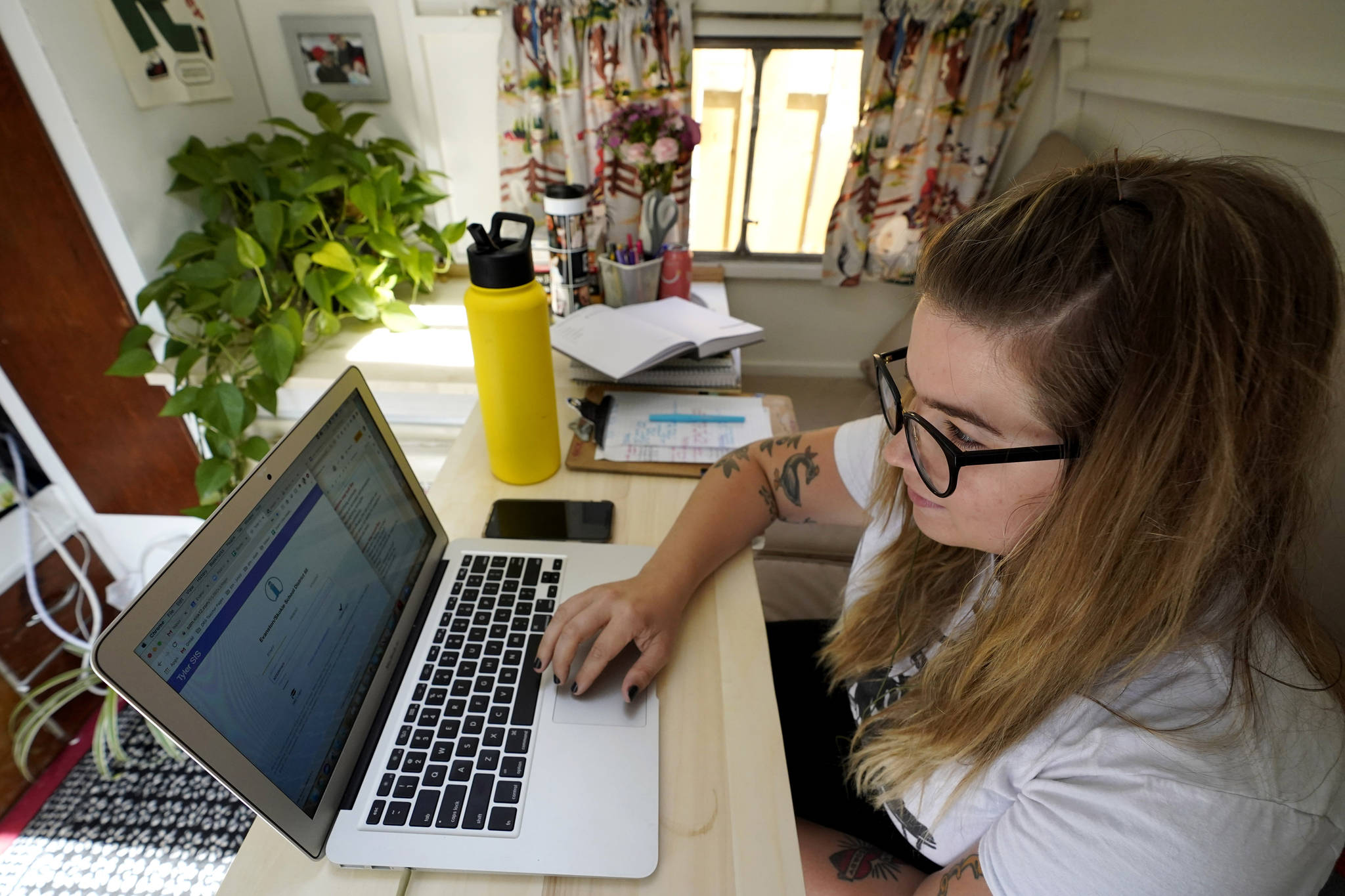
NEW YORK — Across the U.S., the pandemic has forced students to attend virtual school to prevent spread of the coronavirus. But the more we rely on technology, the bigger the consequences when gadgets or internet service let us down.
Technology being technology, all sorts of things can go wrong. Your internet service may be inadequate for all-day videoconferencing or simply overstressed. Hardware and software can be confusing, can break, and sometimes just fails to work. There can be unanticipated consequences from turning on a new video camera in your home for school lessons.
Here are answers to some common questions from parents now forced to manage their kids’ virtual educations.
Q: We don’t have a computer/enough computers/fast enough internet service for online school. What do we do?
A: This affects millions of people, and there are no perfect solutions.
It’s possible to use smartphones as hotspots for computers, but that’s an imperfect solution at best. Not all plans let you run hotspots off your phone, and if you can, you probably face data caps — which makes it impractical for all-day online school.
Some cable companies are offering low-cost service for eligible families, although those programs are typically limited to areas the companies already serve, often provide only minimum broadband speeds and frequently aren’t available to former customers who owe the cable company money.
Schools may provide internet hotspots or free internet at home for families without good service. Get in touch with the district or talk to a teacher about how to get help from your schools. They may also be able to send computers or tablets to kids, although there’s a shortage of education-style computers at the moment.
Q: Our service slows way down when several people do video calls at the same time. Are there simple ways to fix that?
A: Talk to your internet service provider. It may be time to update your modem or router, and some offer Wi-Fi extenders to improve the network. ISPs can also try repositioning your existing equipment to improve the range and strength of Wi-Fi connections.
Other options include “mesh” style Wi-Fi networks that let you position several base stations around a large house, giving you a stronger signal most everywhere. If necessary, it may be time to pay up for higher-speed service.
You can also try talking to teachers and co-workers to reschedule calls to go easier on the network. Turning off your own camera during video calls can help, too. Sometimes teachers can record lessons and send them to kids to watch later if live streaming isn’t possible.
Q: Virtual-school programs and computers can be hard to figure out. Gadgets break. Then what?
A: Some districts have set up tech-support phone lines or live chats to help students and parents. Chicago Public Schools, for example, has phone help available in English and Spanish and a website where you can open a ticket for help. But there may not be much schools can do if there’s an issue with your own computer or the cable company.
Q: My kids are anxious about seeing themselves on camera and get frustrated in constant video meetings. What can I do?
A: Keeping video cameras on is one way teachers try to ensure kids are paying attention and not beaming out to play video games, but not all kids react well. Discuss any anxieties with teachers to work out solutions — for instance, your kid might not need to keep their head in frame at all times. If a child definitely needs to be on screen, practice being on video calls with family members, said David Anderson, a clinical psychologist at the Child Mind Institute. Exposure to the scary situation helps children get used to it.
Another option: Services like Zoom let you remove your own image from your screen while keeping your camera on. Zoom explains how to do that online.
Kids frustrated by having to sit in front of a computer all day and missing their friends may act out, sighing loudly or disobeying the rules, Anderson said. Instead of issuing punishments, try to come up with coping plans — offer breaks and activities they enjoy in return for participating in virtual school. For older children and teens, give them room to do the activities they love independently. “Remind them what they’re working toward and what they can look forward to,” Anderson said. “Build up coping thoughts for kid to get through the rougher part of the day.”
Q: How do I hide the contents of my house from my kids’ teachers and classmates?
A: Many video services let you choose a virtual background — the Rocky Mountains, a field of flowers, the Death Star — that obscures everything but the person on the screen. Sometimes you can also just blur the actual background. Otherwise, situate your kids in a neutral space you all feel comfortable showing to the world — maybe somewhere they’ll sit with their backs to a wall — and have them wear headphones to limit both distracting noises and the possibility that unrelated family conversations might broadcast into the virtual classroom.
